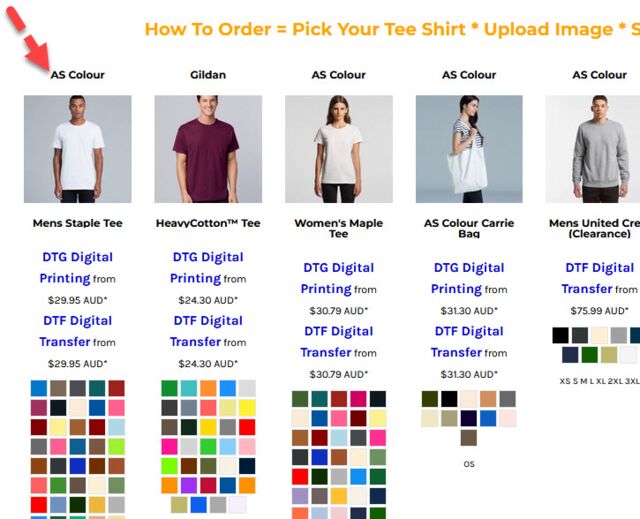
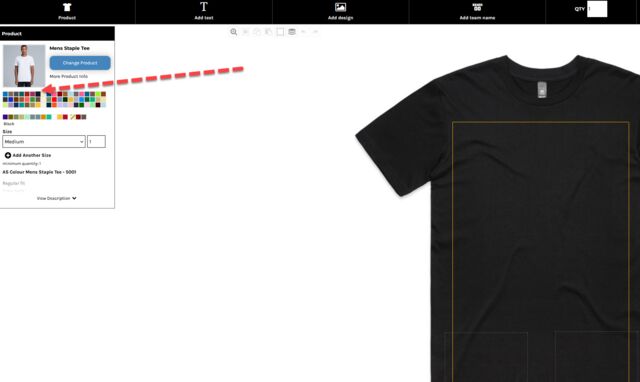
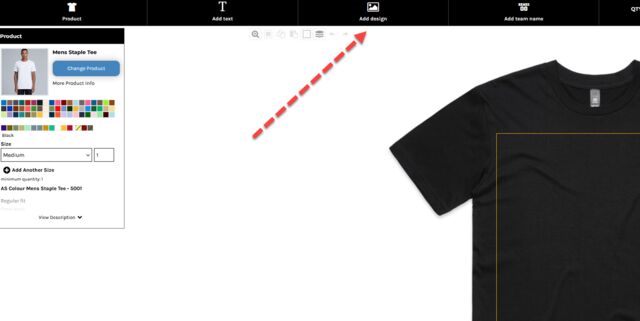
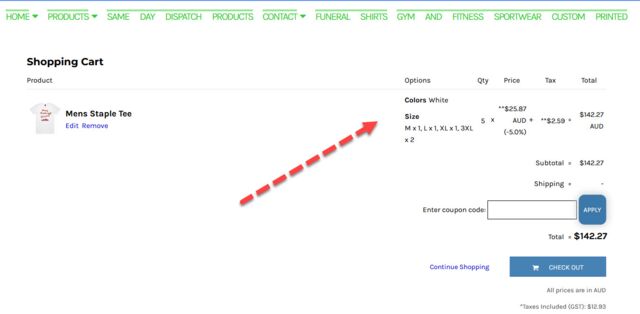
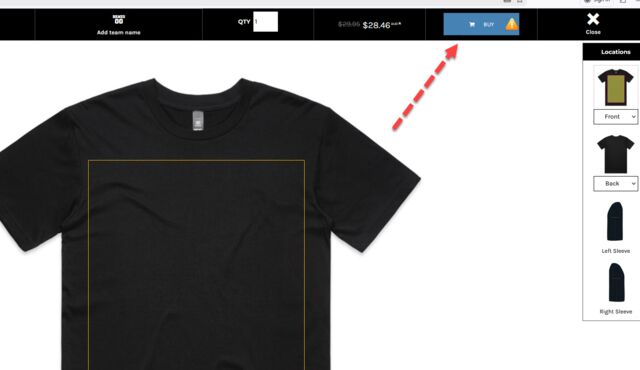
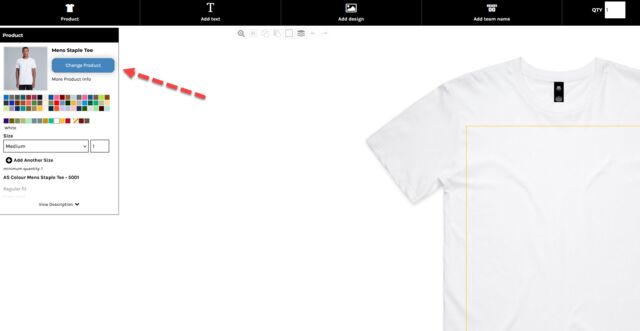
This visual and text guide has been setup for people such as event managers, business people or families who want to order a mix of t shirts of difefrent colors, sizes and even have different photos printed on some of them.
Using AS Colour Staple Tee – Example: 2 Small • 2 Medium • 1 Large
Colours: Black, White, Grey
Print: Photo on the front
If you want to order multiple shirts that use:
- The same style (Staple Tee)
- The same print (front photo)
- But different sizes (S, M, L)
- And different colours (Black, White, Grey)
…then you must create each colour group as its own design inside the online designer.
This guide shows you exactly how to do it.